Skip to content

Learn CSP

  • About
  • Buy CSP
  • Press
  • Privacy
Learn CSP

v1.10.10

5 Ways to Convert to Black and White (and 2 Bonus Tips!)
Beginners | Tutorial

5 Ways to Convert to Black and White (and 2 Bonus Tips!)

ByAugie De Blieck Jr. October 15, 2021

Do you have something in your project that you want to convert to black and white? Here are 5 different ways to do it.

Read More 5 Ways to Convert to Black and White (and 2 Bonus Tips!)Continue

How to Undo Like a Pro
Beginners | Featured

How to Undo Like a Pro

ByAugie De Blieck Jr. October 4, 2021

Mistakes are inevitable.  One of the best things about drawing digitally, though, is that you can undo your mistakes. You are already familiar with the power of CMD-Z (CTRL-Z on Windows) from a lifetime of computer use, I’m sure. It works the same way in Clip Studio Paint.  CSP remembers a bunch of your most…
Read More How to Undo Like a ProContinue

Add Copic Markers to Your Toolkit
Featured | Resources

Add Copic Markers to Your Toolkit

ByAugie De Blieck Jr. October 3, 2021

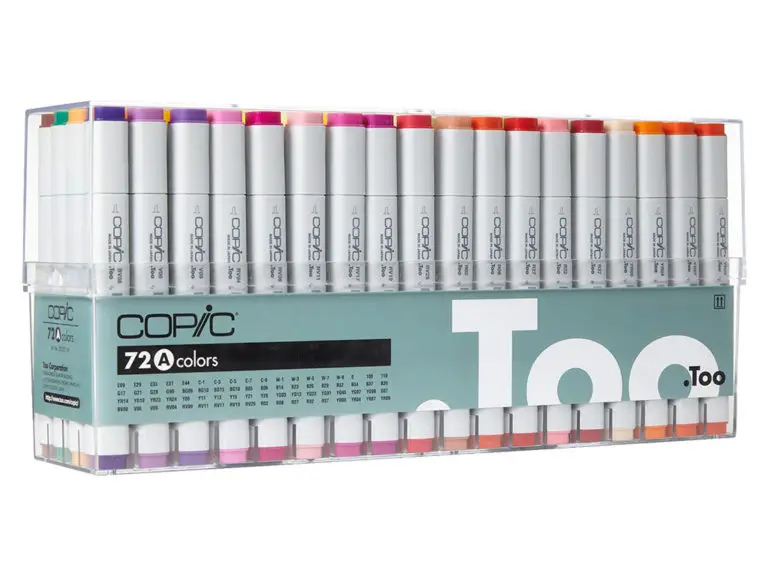
(Updated October 2021 to remove broken links and provide a couple of new ones.) Everyone wants to color their sketches with Copic markers, right?  But they aren’t necessarily cheap, especially if you want to buy the whole set. There has to be a better way!  Certainly, Clip Studio Paint can emulate them, right? Of course…

Read More Add Copic Markers to Your ToolkitContinue

Eight Ways to Zoom in Clip Studio Paint
Tutorial

Eight Ways to Zoom in Clip Studio Paint

ByAugie De Blieck Jr. September 19, 2021May 25, 2022

How many different ways can you zoom in on something? Eight, by my count.
Read More Eight Ways to Zoom in Clip Studio PaintContinue

How to Crop an Image in Clip Studio Paint
Beginners | Tutorial

How to Crop an Image in Clip Studio Paint

ByAugie De Blieck Jr. September 18, 2021

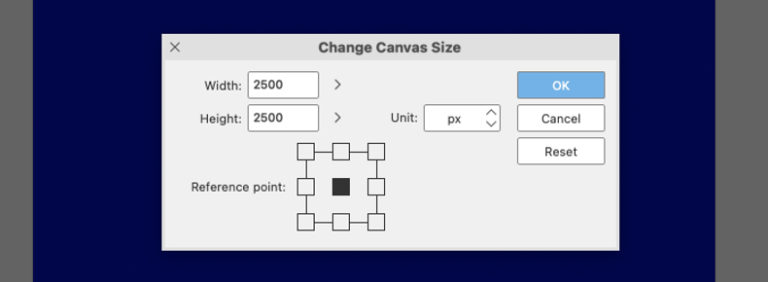
Here is how to change the canvas size. It’s easier to crop, but I’ll explain how to expand and how to use reference points to get the job done.
Read More How to Crop an Image in Clip Studio PaintContinue

Indicators versus Sliders
Featured | Tutorial

Indicators versus Sliders

ByAugie De Blieck Jr. September 17, 2021

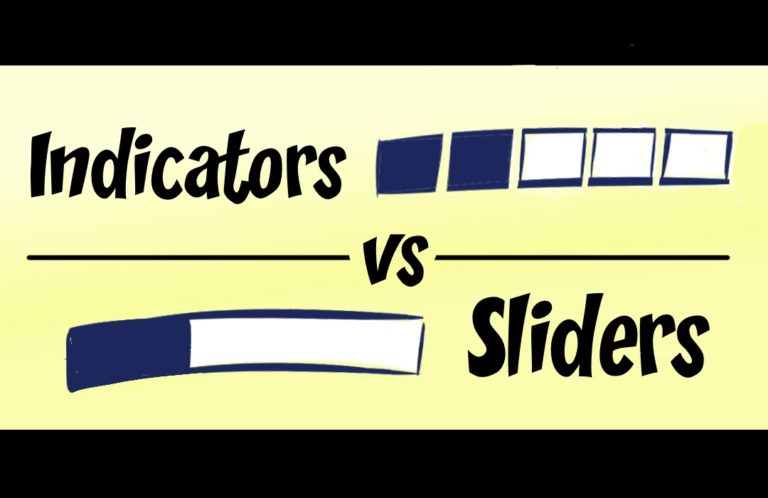
One of the annoying bits of UI in Clip Studio Paint is the series of squares to indicate a growing selection. Here’s how to change it to a slider.

Read More Indicators versus SlidersContinue

Switch Tools Temporarily With Your Keyboard
Beginners | Featured | Video

Switch Tools Temporarily With Your Keyboard

ByAugie De Blieck Jr. September 15, 2021May 25, 2022

Clip Studio Paint has a trick to switch to a new tool temporarily, giving you a quicker way to go back and forth between tools. It’ll speed some things up for you.
Read More Switch Tools Temporarily With Your KeyboardContinue

How to Pick the Right Canvas Size and Resolution
Beginners | Tutorial

How to Pick the Right Canvas Size and Resolution

ByAugie De Blieck Jr. September 13, 2021

What size do you want to draw at? First, you’ll need to pick the right canvas size and resolution. There’s a simple trick you can use for this.
Read More How to Pick the Right Canvas Size and ResolutionContinue

Finding Fonts Easier With Font Lists
Tutorial

Finding Fonts Easier With Font Lists

ByAugie De Blieck Jr. September 12, 2021May 25, 2022

Picking a font in Clip Studio Paint is not terribly easy, but you can narrow down your choices with some up front work to prepare font lists. You may have seen these in font manager programs. I use the one that comes with the Mac OS, called Font Book, for example. As you can see…

Read More Finding Fonts Easier With Font ListsContinue

How to Record a Timelapse
Resources | Tutorial

How to Record a Timelapse

ByAugie De Blieck Jr. September 12, 2021May 25, 2022

Have you ever wanted to post a timelapse video to social media of the drawing you just did? Clip Studio Paint offers that now, and I’ll show you how to use it.

Read More How to Record a TimelapseContinue

Page navigation

1 2 Next PageNext

SEARCH

LearnCSP is a resource for beginning artists looking to use Clip Studio Paint as their artistic tool. Professionals might pick up a tip or trick, too!


CATEGORIES

  • Beginners
  • Editorial
  • Featured
  • Graphic Design
  • Meta
  • Resources
  • Tutorial
  • Uncategorized
  • Video

PAGES

  • About
  • Buy CSP
  • Press
  • Privacy

© 2026 Learn CSP - WordPress Theme by Kadence WP

  • About
  • Buy CSP
  • Press
  • Privacy